

Personal budgeting
Record income and expenses, categorize transactions, set category budgets, and compare recorded spending with your monthly limits.
Meet Taytan Money
Track personal spending against your budget. Keep business expenses, receipts, and mileage organized in a separate workspace for your accountant.
Current web version · Access by invitation
Transactions · Monthly budgets · Accounts
Receipts · T2125 categories · Accountant access
Illustrated overview · Example amounts
What you can do
Choose the workspace that fits the task. Personal and business records stay in their respective areas.
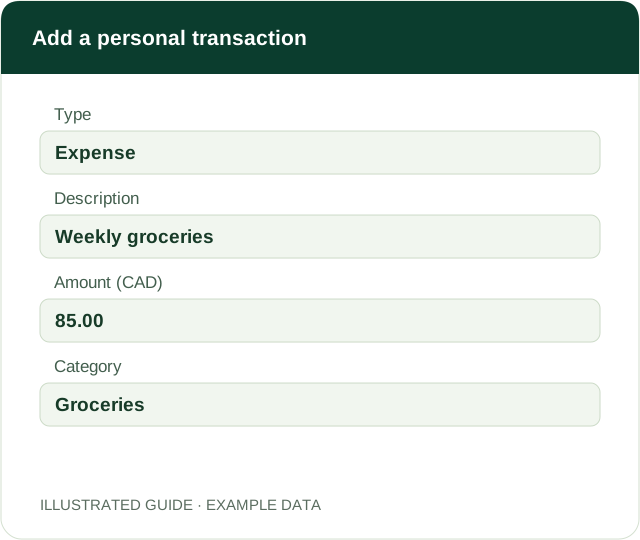
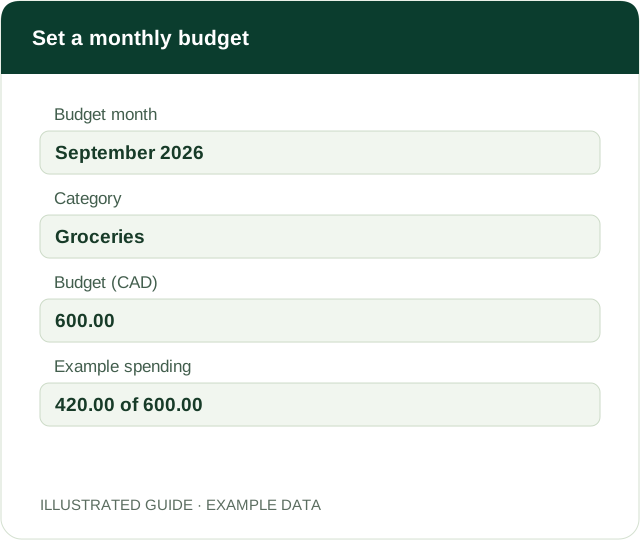
Record income and expenses, categorize transactions, set category budgets, and compare recorded spending with your monthly limits.
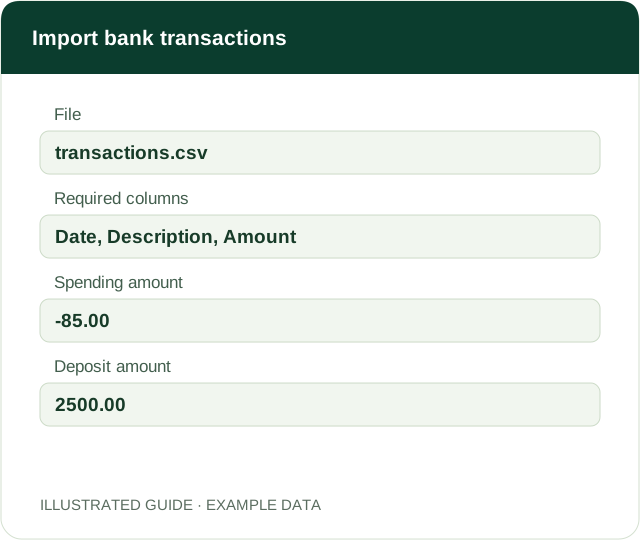
Add accounts manually and import a bank CSV. Categorize each expense after import. Automatic bank connections are not active yet.
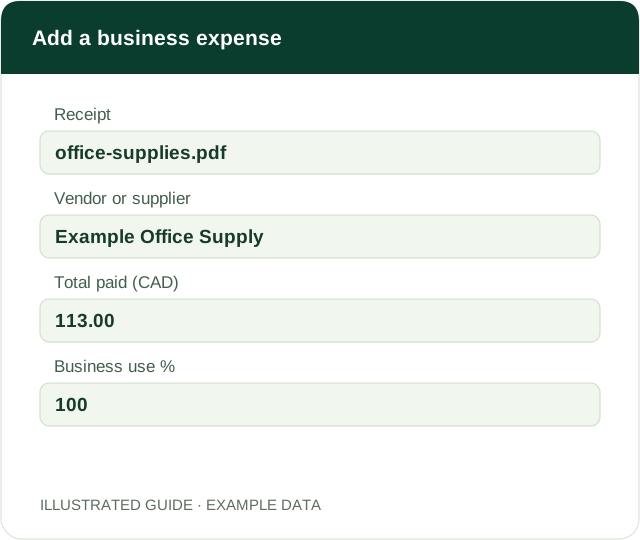
Store receipt images or PDFs with vendor, date, amount, tax, business use, payment method, and a T2125 expense category.
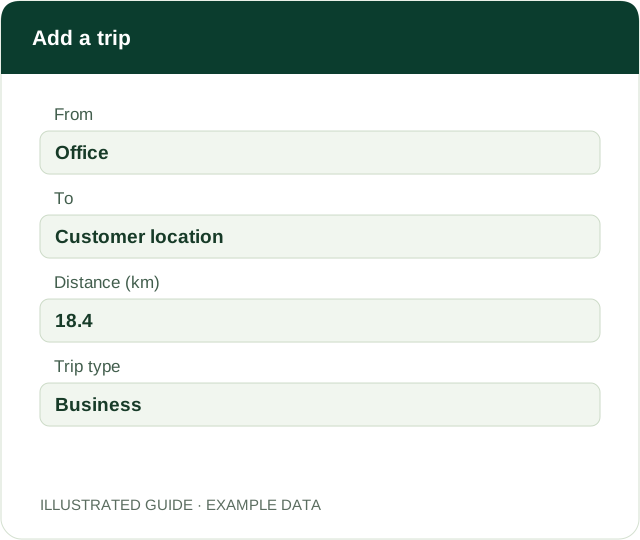
Record business and personal trips, their purpose, and distance. Review the proportion of recorded kilometres used for business.
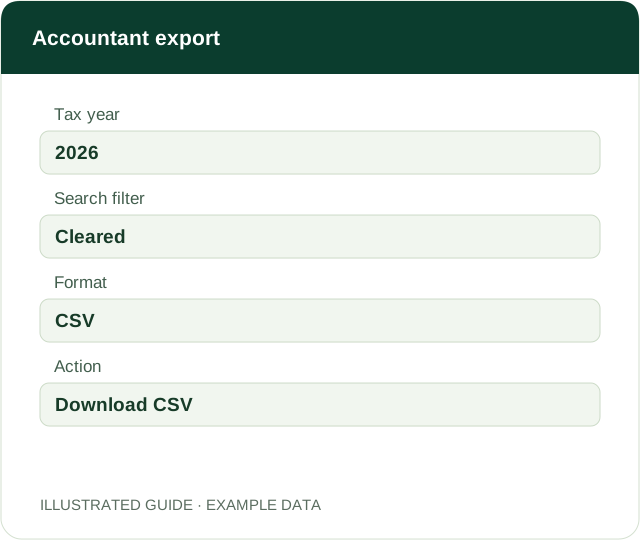
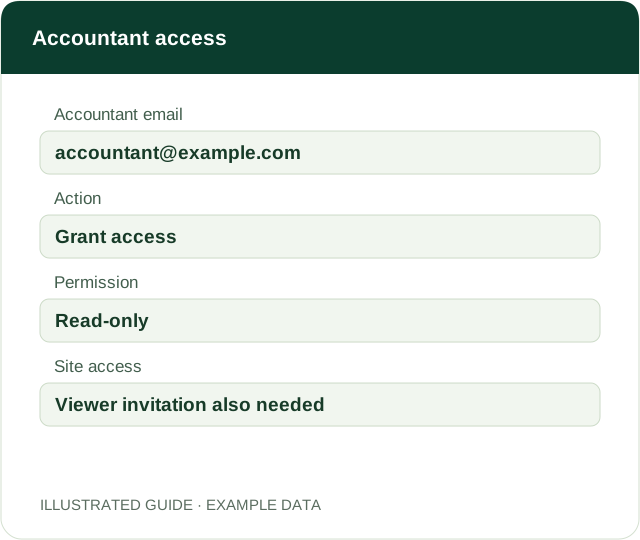
Download a business expense CSV and grant read-only expense and receipt access. Your accountant also needs access to the app.
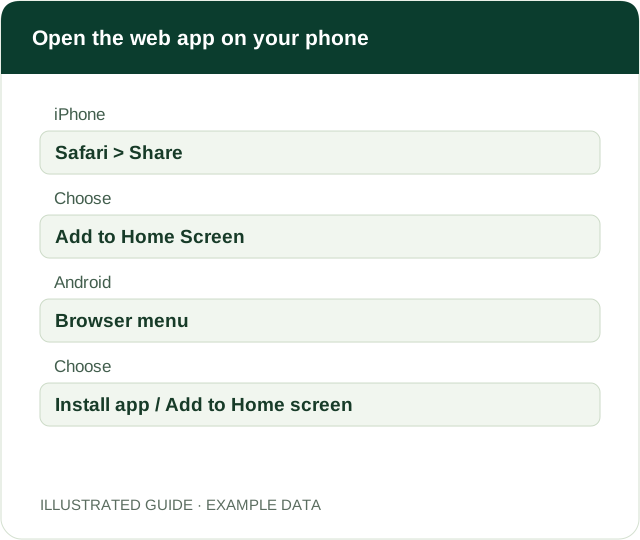
Use the web app on iPhone or Android and add it to your home screen where supported. Native store releases remain to be confirmed.
The app guide
Open a guide for step-by-step instructions and an illustrated example. Start with your workspace, then choose the feature you need.
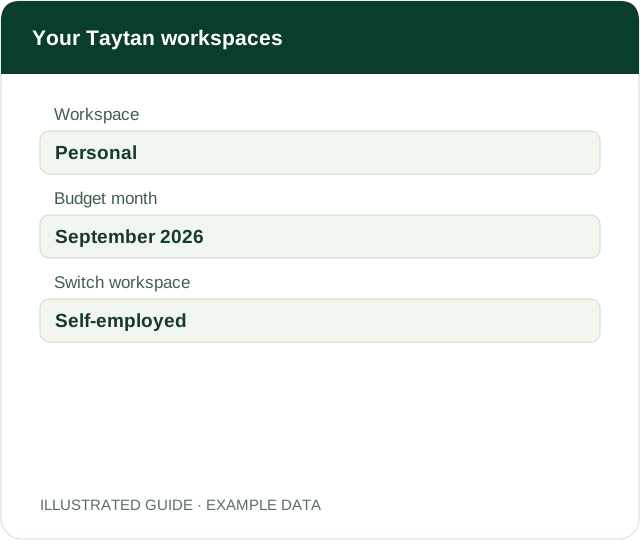
On a phone, open the menu first. Changing workspace does not transfer transactions between the two areas.
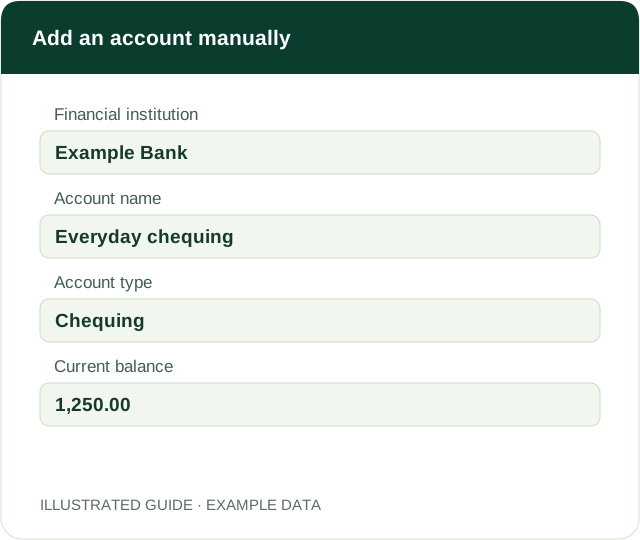
The manual balance is the amount you enter; it is not a live bank balance. Do not enter an online-banking password.
Keep transfers between your own accounts out of ordinary spending categories. Check your month and source records before assessing your totals.
Budget results depend on the transactions you have recorded or imported. Missing or duplicated transactions affect the comparison.
Avoid importing overlapping date ranges: duplicate detection is not confirmed. Automatic bank linking is not active in the current version.
Receipt upload stores the document; you still enter and check its details. Potential claim figures are estimates for accountant review, not a filed tax return.
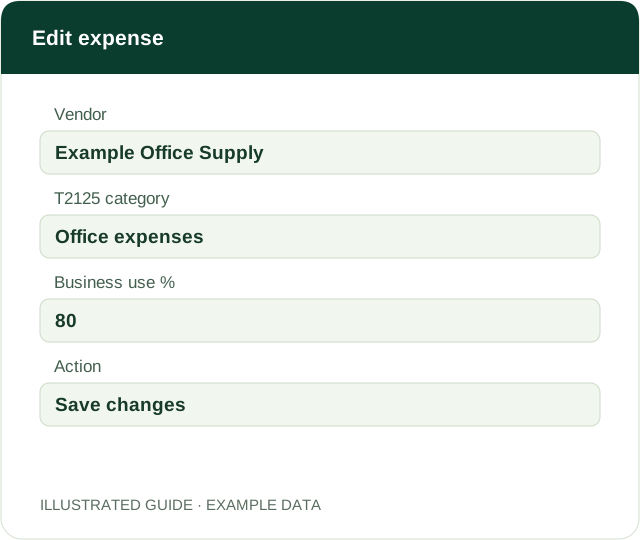
The edit form keeps the existing receipt attached. The current dashboard shows the most recent 12 matching expense rows; use search and export to review larger records.
Trips are entered manually. The displayed ratio uses the trips recorded in the app and does not automatically update the business-use percentage on expenses.
The export follows the active year and search filter. The CSV lists receipt information; it does not include the receipt files or mileage log.
The trash icon beside the accountant removes in-app permission. This access covers business expenses and receipts; it does not grant access to personal budgets or to a shared mileage log.
This installs a shortcut or web app. Apple App Store and Google Play download links have not yet been confirmed; an internet connection is needed for records.
Take it with you
The QR code opens the current web app. Sign-in and an access invitation are required.

Scan to open Taytan Money, then follow the phone installation guide above.
Open web appStore link and download QR code pending.
Store link and download QR code pending.
App records need an internet connection. Bank linking, automatic receipt reading, background mileage tracking, and store subscriptions are not advertised as available.